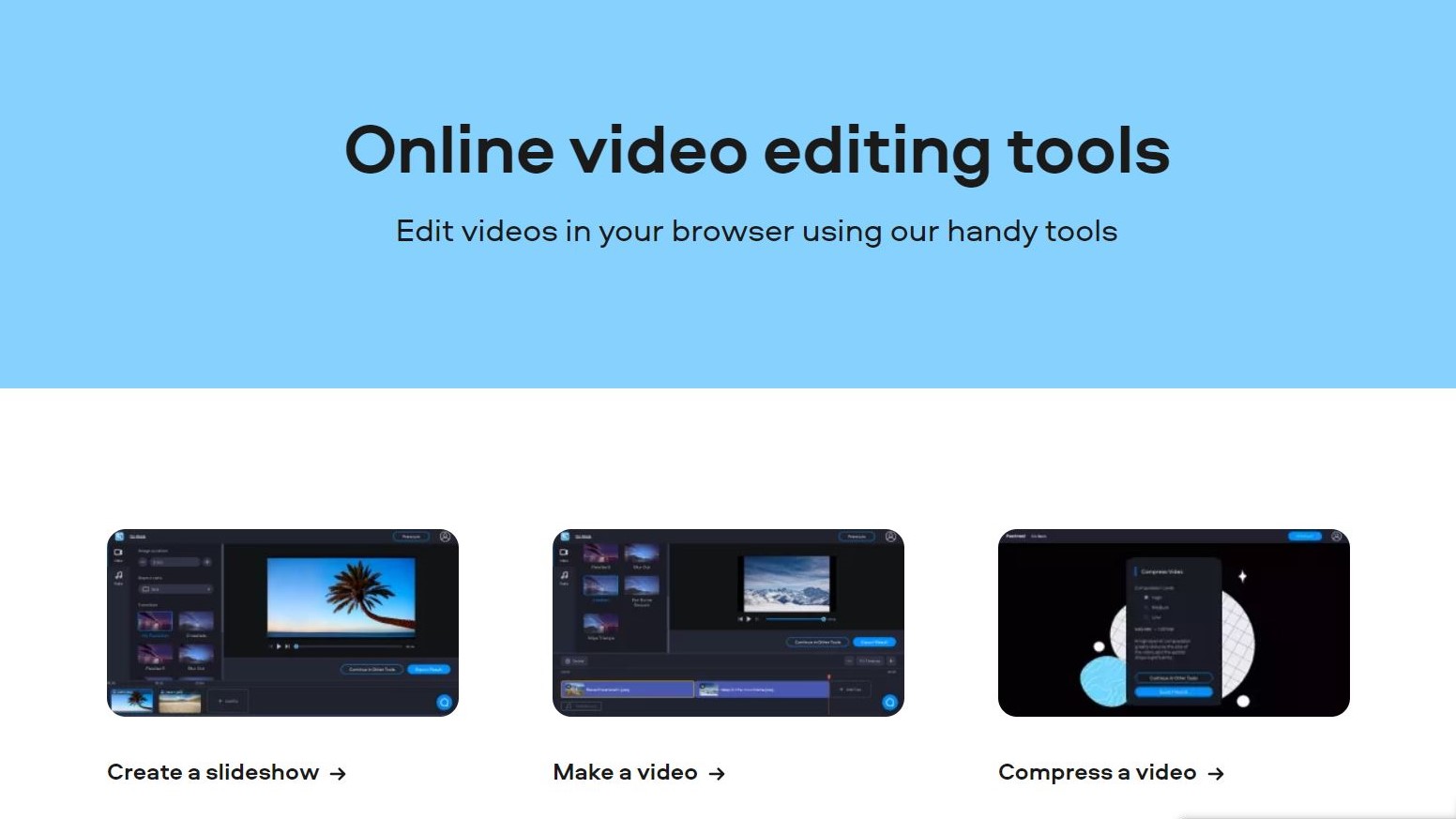
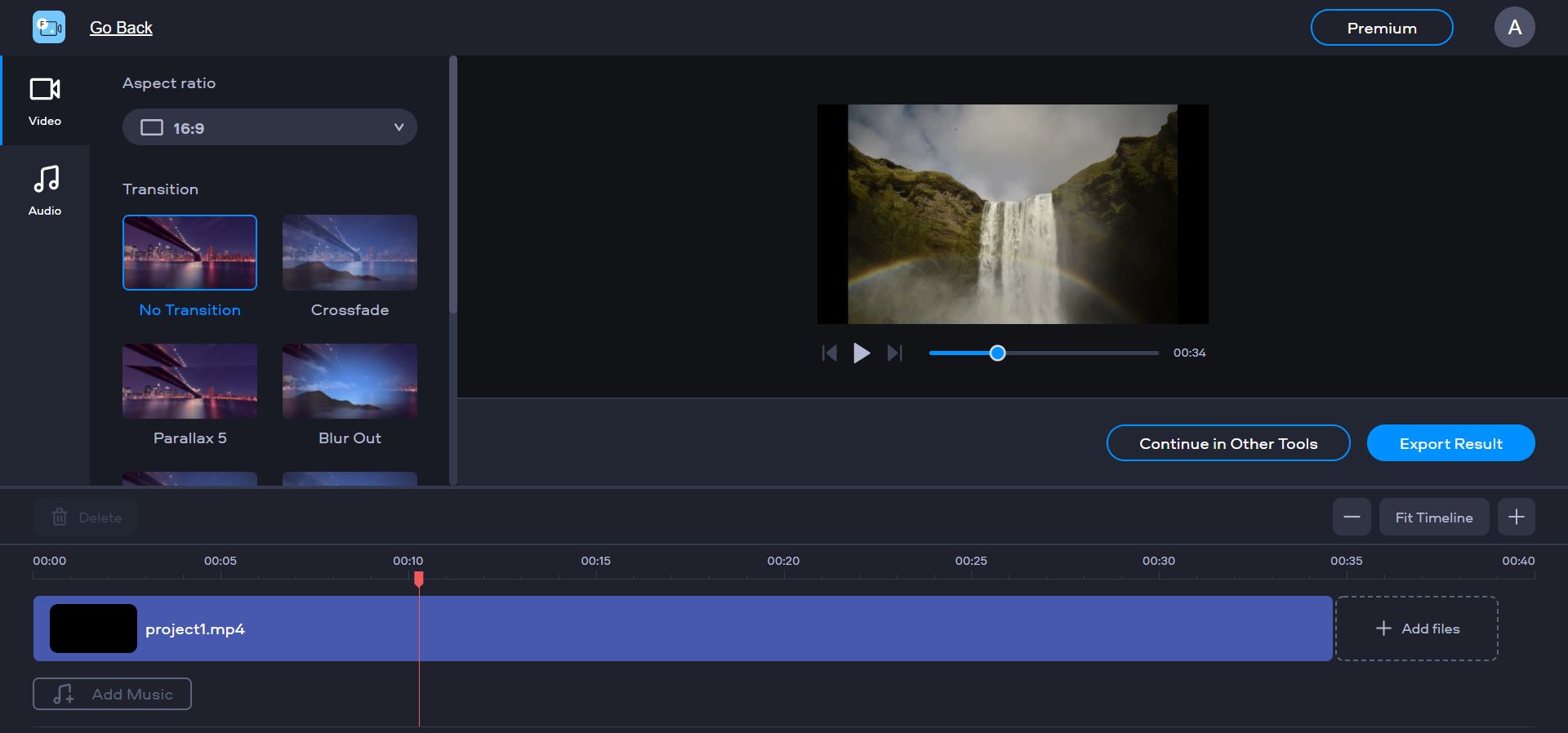
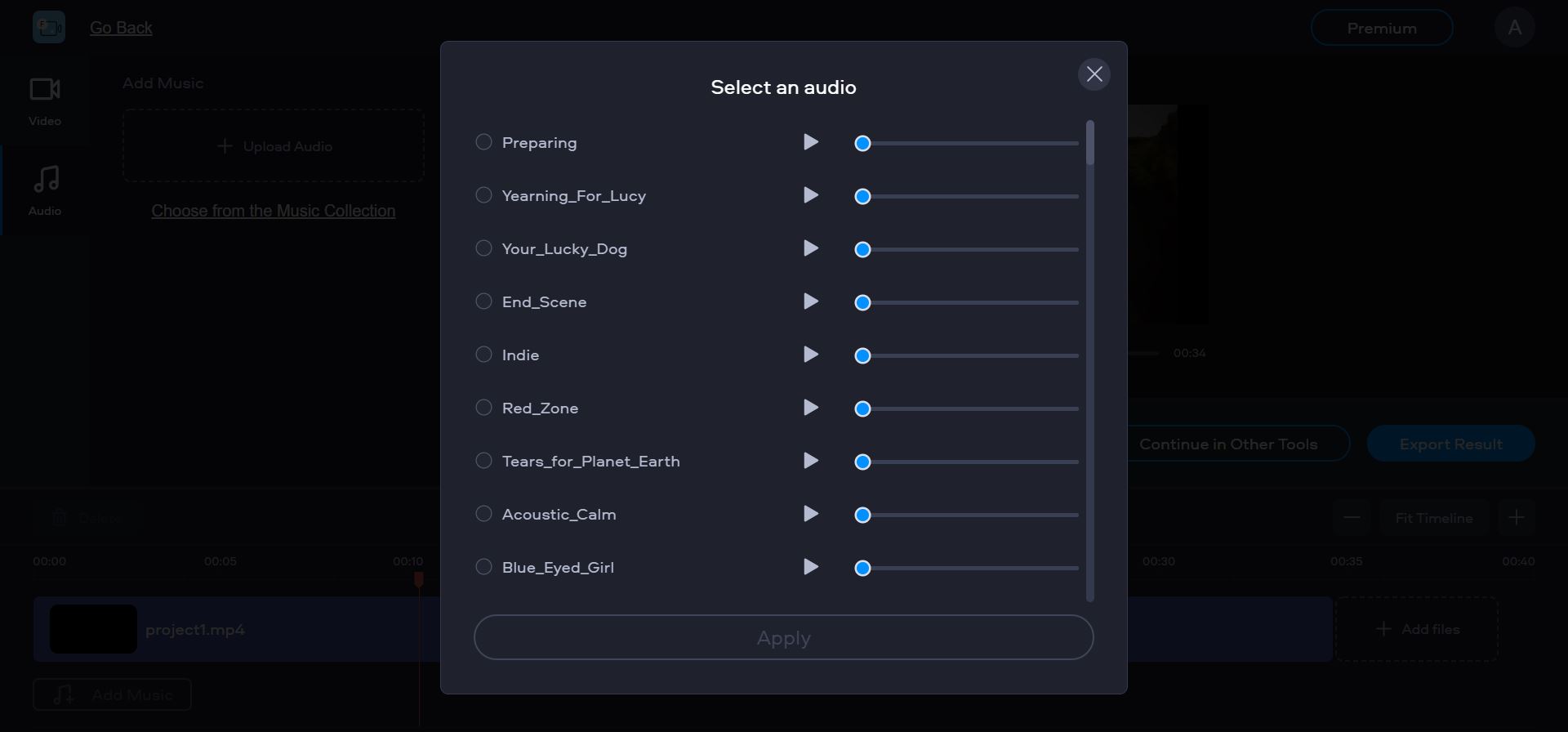
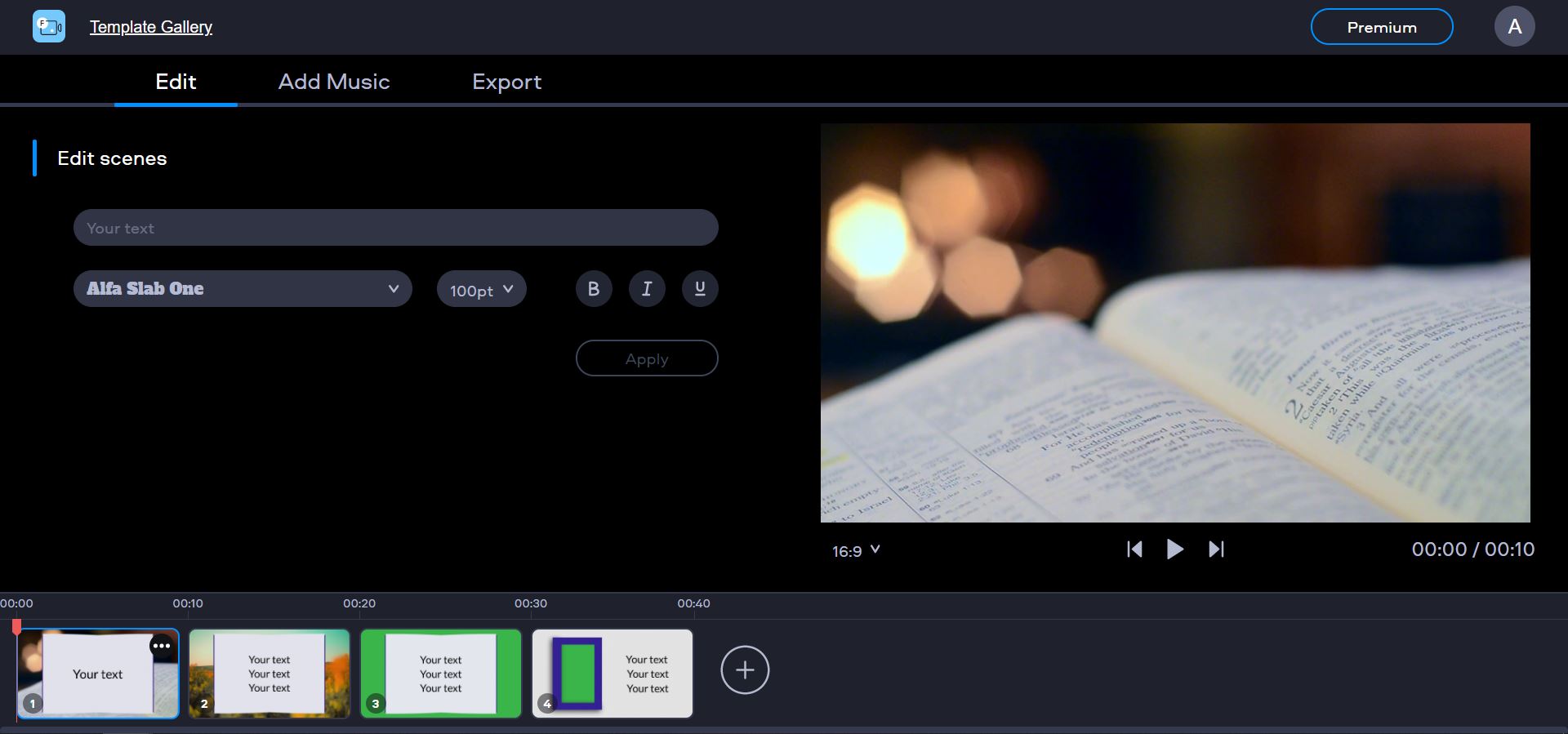
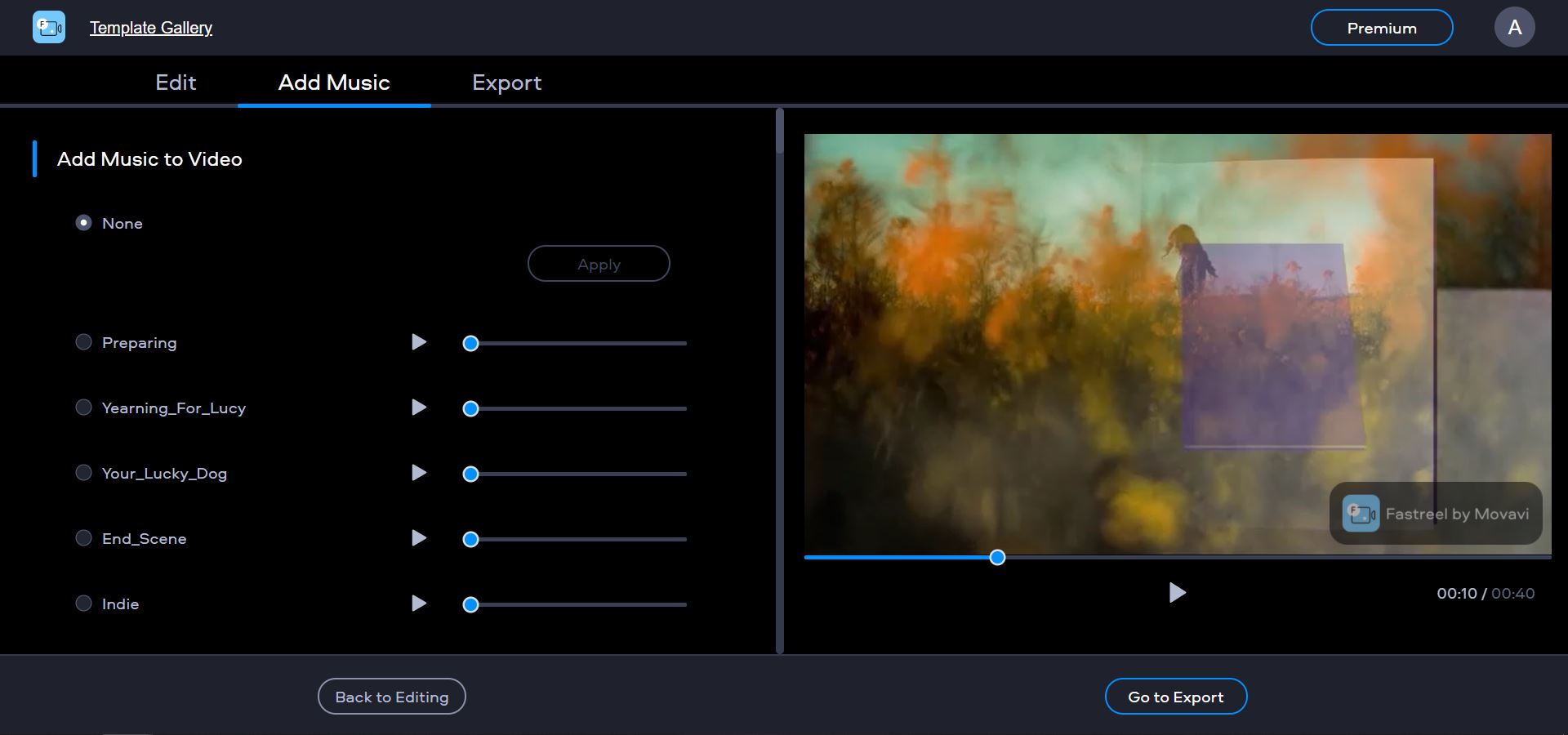
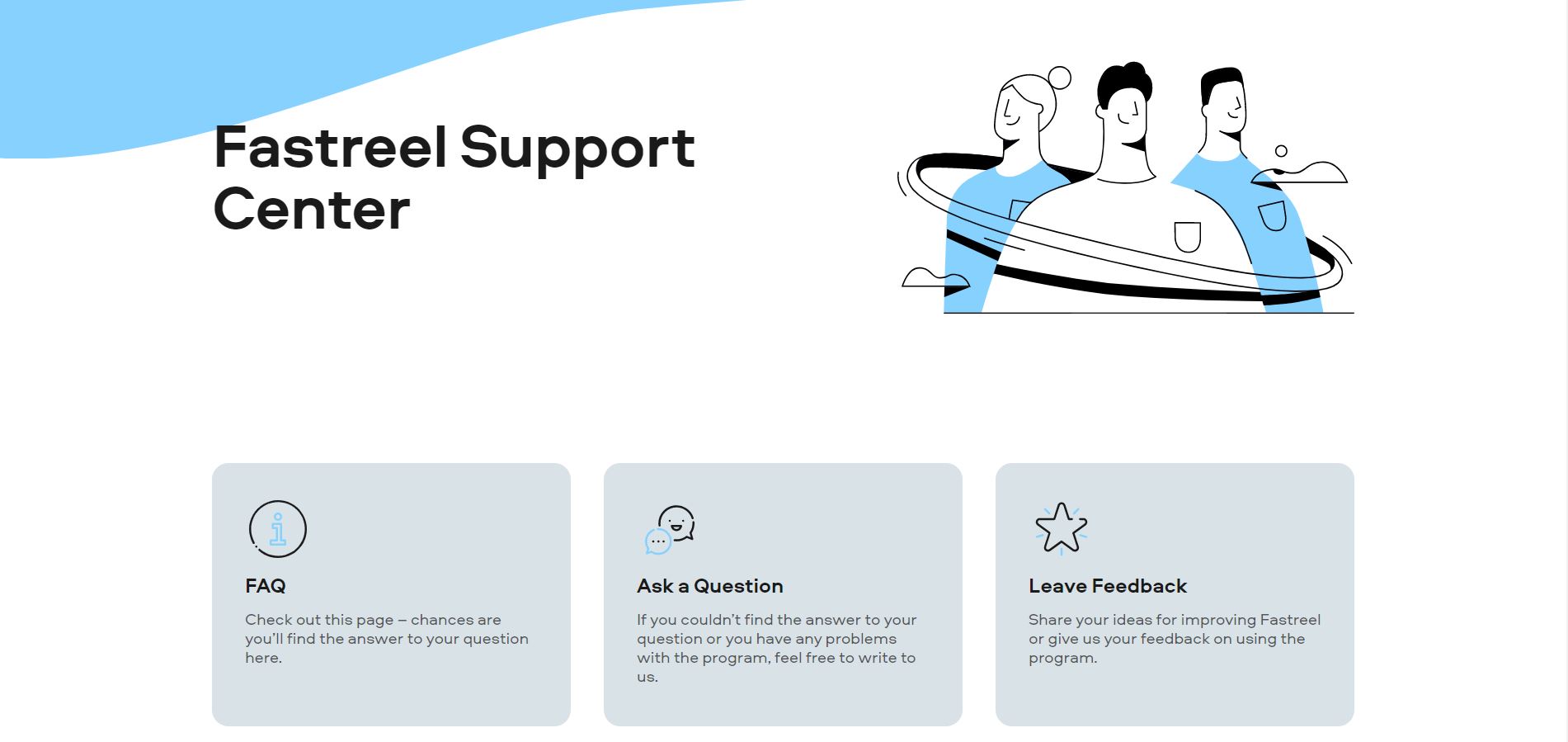
Nowadays, videos are becoming the most popular type of content and, at the same time, the most common entertainment. People shoot, edit, and publish videos for fun; thus, video editing software becomes an integral part of the entertainment industry. The market offers a number of video editing options: desktop programs, online services, mobile apps; the choice is great. In this article, we will take a look at online free video maker Fastreel. Fastreel is an online video editor by Movavi that combines an intuitive, user-friendly interface with a wide variety of editing options. The program includes all the basic options and some advanced ones; thus, it can be helpful for both professionals and beginners. Professionals would appreciate Fastreel as a quick and simple solution if they need to make several changes urgently. For beginners, this program will be a great assistant in their first steps. As Fastreel is an online service, it does not require downloading nor installation. Thus, the program will be available on all PCs and mobile devices; the only things you need are a browser and access to the Internet. Having these, you can use Fastreel without any problems. At the very beginning, you need to choose the mode: tools or templates. Then, you are to upload your files. Please note that the size of all files you are going to work with should not exceed 500MB. Otherwise, it is better to use a desktop video editor. After uploading files, you can start the montage instantly. Now let’s take a closer look at the modes. This mode offers more than 20 different instruments for making detailed changes in the footage. First of all, you need to select the tool; then, you will be able to upload your files and start editing. Here are instruments available in the mode: If you want to make a video of several clips and photos, you can do it with the tool “Make a video,” where it is possible to upload videos, photos, and music. After choosing a tool, you need to upload your files. They will be placed on the timeline when uploaded. Then, you have to adjust the parameters of the chosen tool, add music if necessary, take a look at the preview, and export your project. Pros Cons This mode is perfect for making short and colorful videos. You can choose the template for your purpose among the following categories: Each of the templates consists of several ready-made slides with backgrounds, effects, and animated titles. Creating a video, you will only need to insert your photos or clips into empty slots and add your text and music. For text, you will be able to adjust the size and the font. As for music, you can upload your track or choose music from the library of Fastreel. Note that though you will be able to duplicate, replace, or remove slides, you cannot change their effects such as stickers, Pan&Zoom, and the animation of the text. Pros Cons Free : You can use Fastreel with no fees. However, in this case, you will be able to save your video only with the watermark and in the quality of 480p. Single Premium : This tariff means a one-time payment for each export of the ready video. Once you pay, you can export one video in high quality and without the watermark. Unlimited Premium : If you choose this tariff, you will be able to use any tools and templates you want and export as many videos as you need without limitations. Payments can be monthly or annually. It is worth noting that you can find FAQs on the Fastreel website, and if you cannot find an answer or resolve a problem by yourself, you can always contact technical support by submitting a ticket. Support is provided in several languages, including English, French, German, Russian, etc. As you can see, Fastreel is an excellent solution for beginners and for professionals that need a quick tool to edit video online. As the program is online and it has an intuitive interface, it is available for all users. In general, this service is worth trying if you search for a functional and easy-to-use instrument.
What Is Fastreel?
Tools

Templates
Pricing
Support
Final Words
source https://www.techradar.com/news/fastreel-an-excellent-option-for-online-video-editing/
Monday, June 28, 2021
Fastreel: an excellent option for online video editing



